
Getting started
Out of the box,
into the conversation.
Five steps, about five minutes. Sign in, pair the pen, press once to record. Everything after that happens on its own — the pen holds the recording, the app turns it into a note, and nothing is sent anywhere until you say so.

01 / The first five minutes
Sign in, and the app walks you through it.
Four steps after you sign in, each one skippable. You can come back to any of them later from Settings.
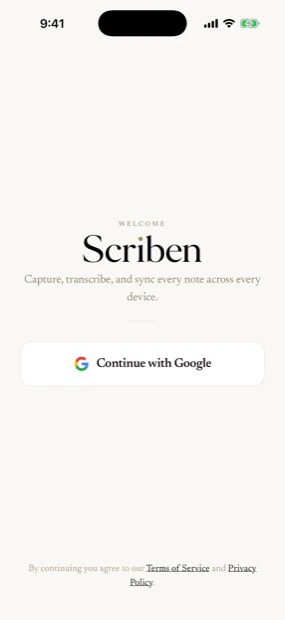
Download the app
Search for Scriben on the App Store, then sign in with Google. The app opens straight onto setup.
Pair the pen
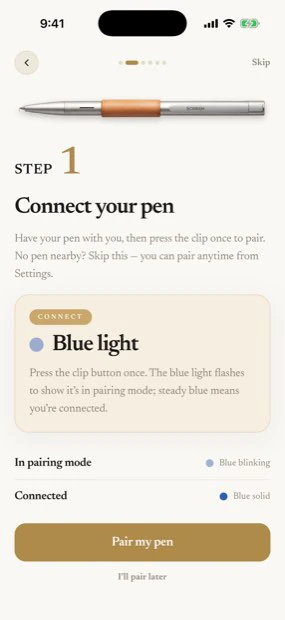
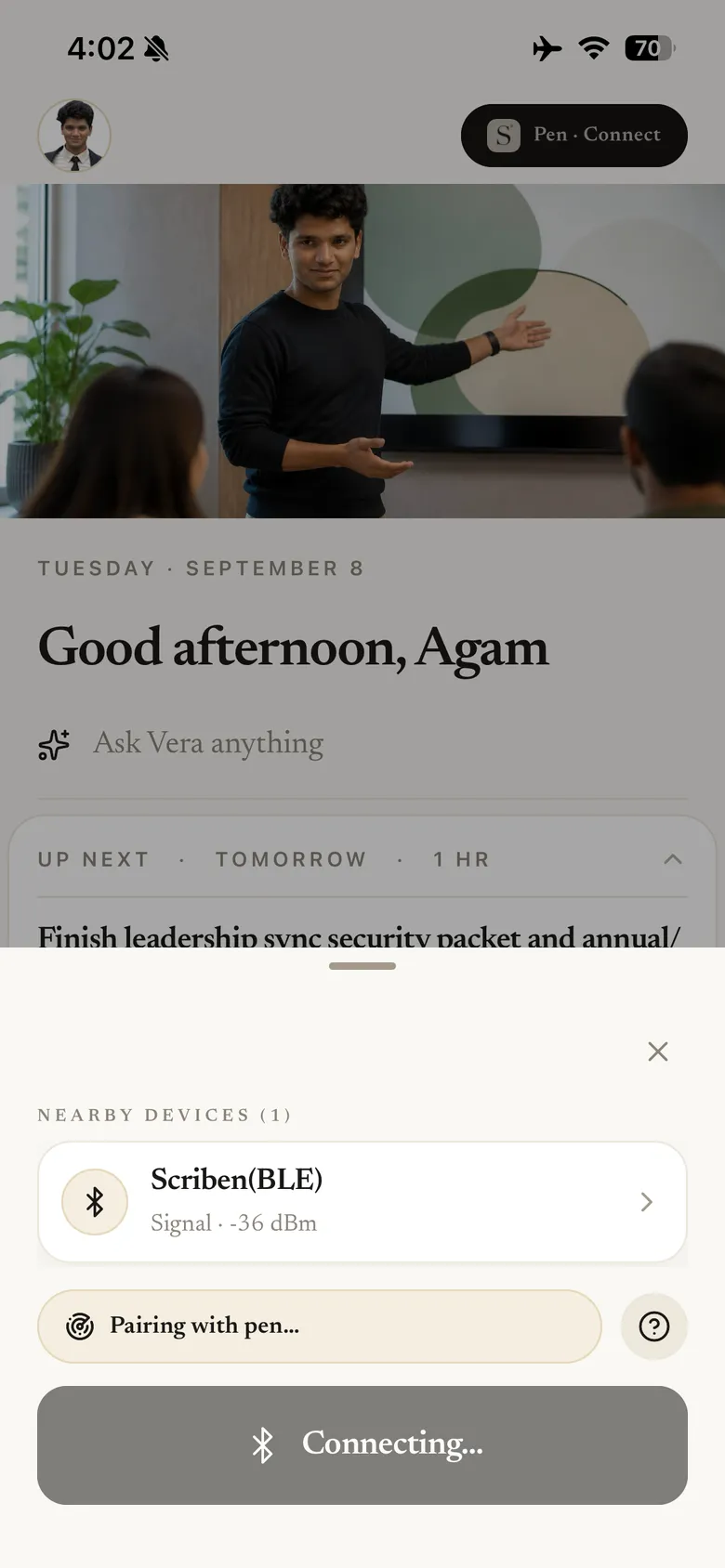
Press the clip once. The pen appears as a nearby device and pairs from the home screen — no cable, and nothing to set up twice. Pair inside the app, not from your phone's Bluetooth settings.
Record anything
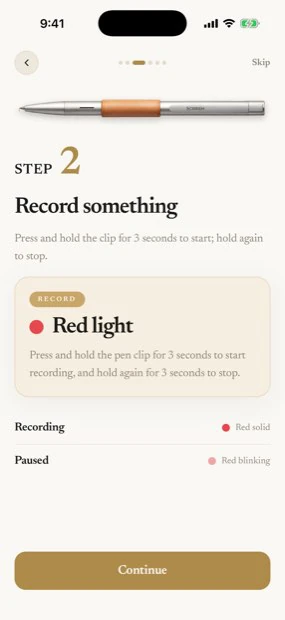
Hold the clip for three seconds. The light turns red and the pen records on its own — your phone can be in another room.
Bring it across
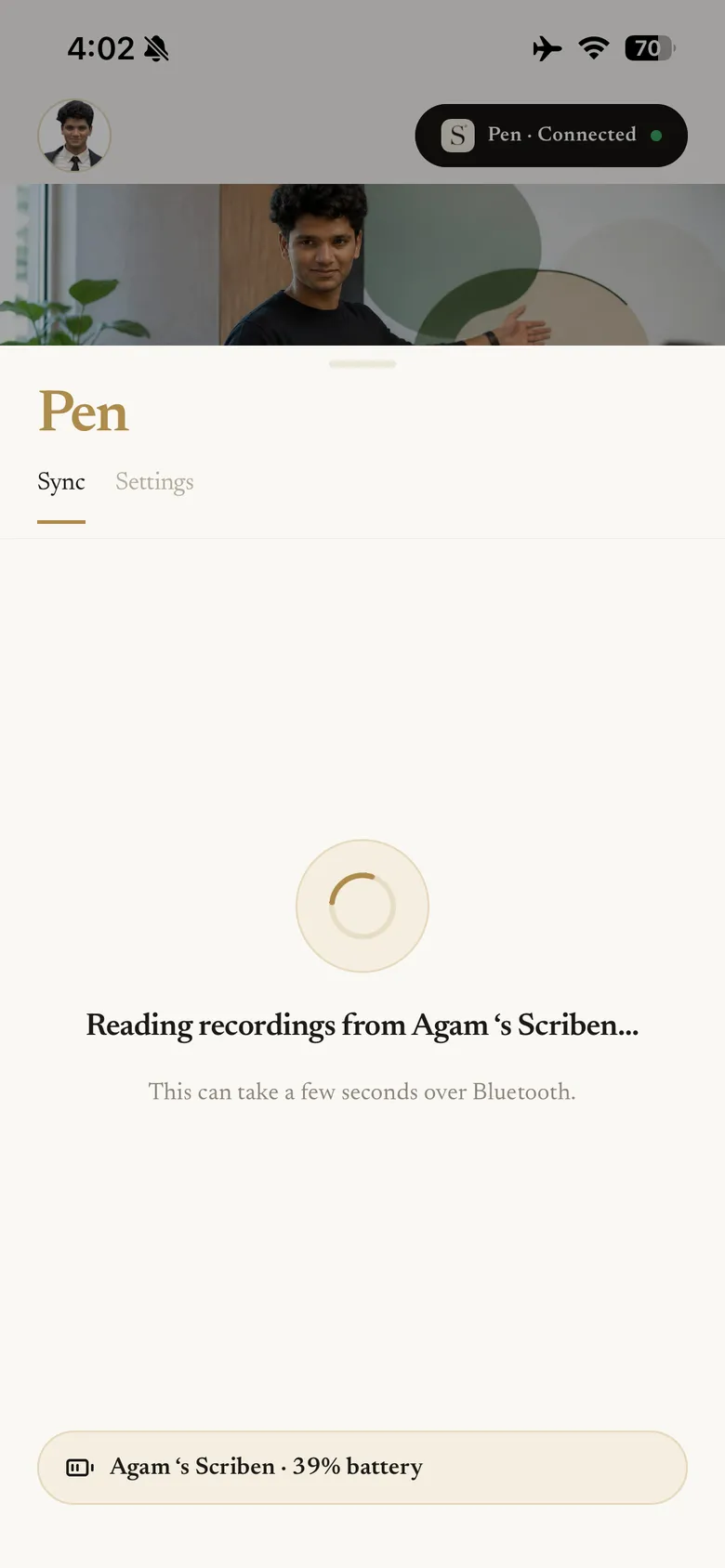
Open the app near the pen and the recordings hand over, grouped by the day they were captured.
Read what came back
Each recording becomes a note: transcript, summary and to-dos, alongside anything Scriben has already prepared in your tools.
02 / One button, one light
Press once to pair.
Hold to record.
There is one button on the pen and one light beside it. The light tells you which of the two is happening.
Stay in the conversation.
The pen is doing the remembering.
03 / While it is still happening
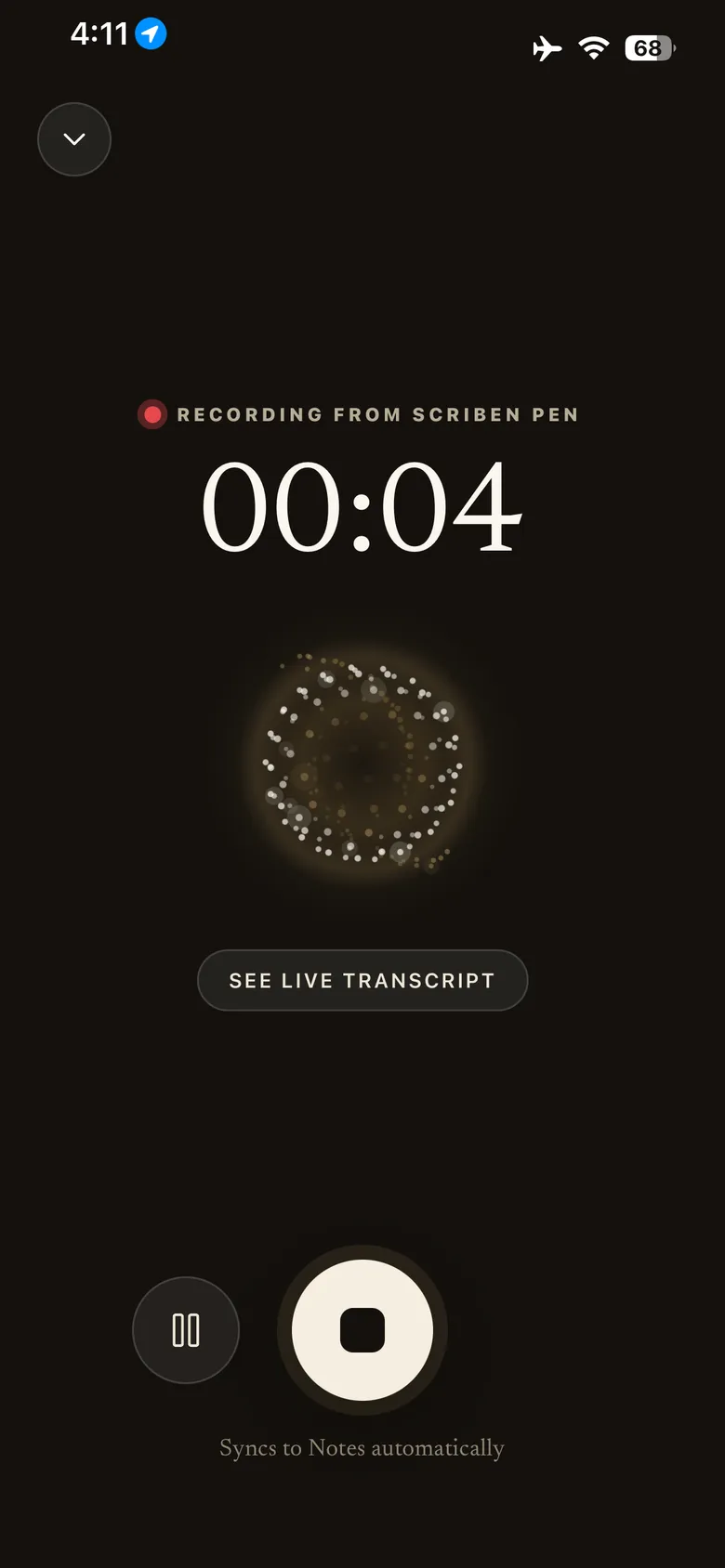
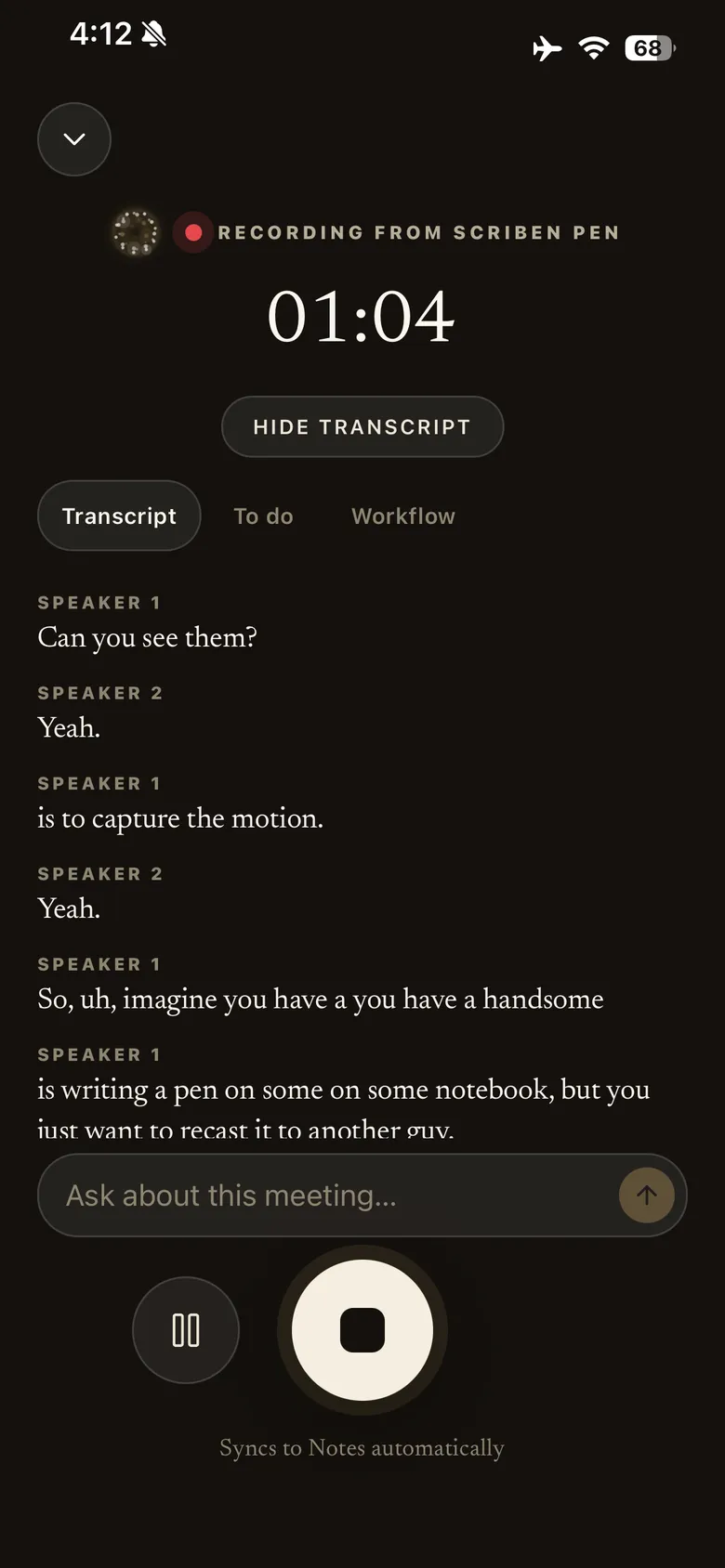
Watch it come in live.
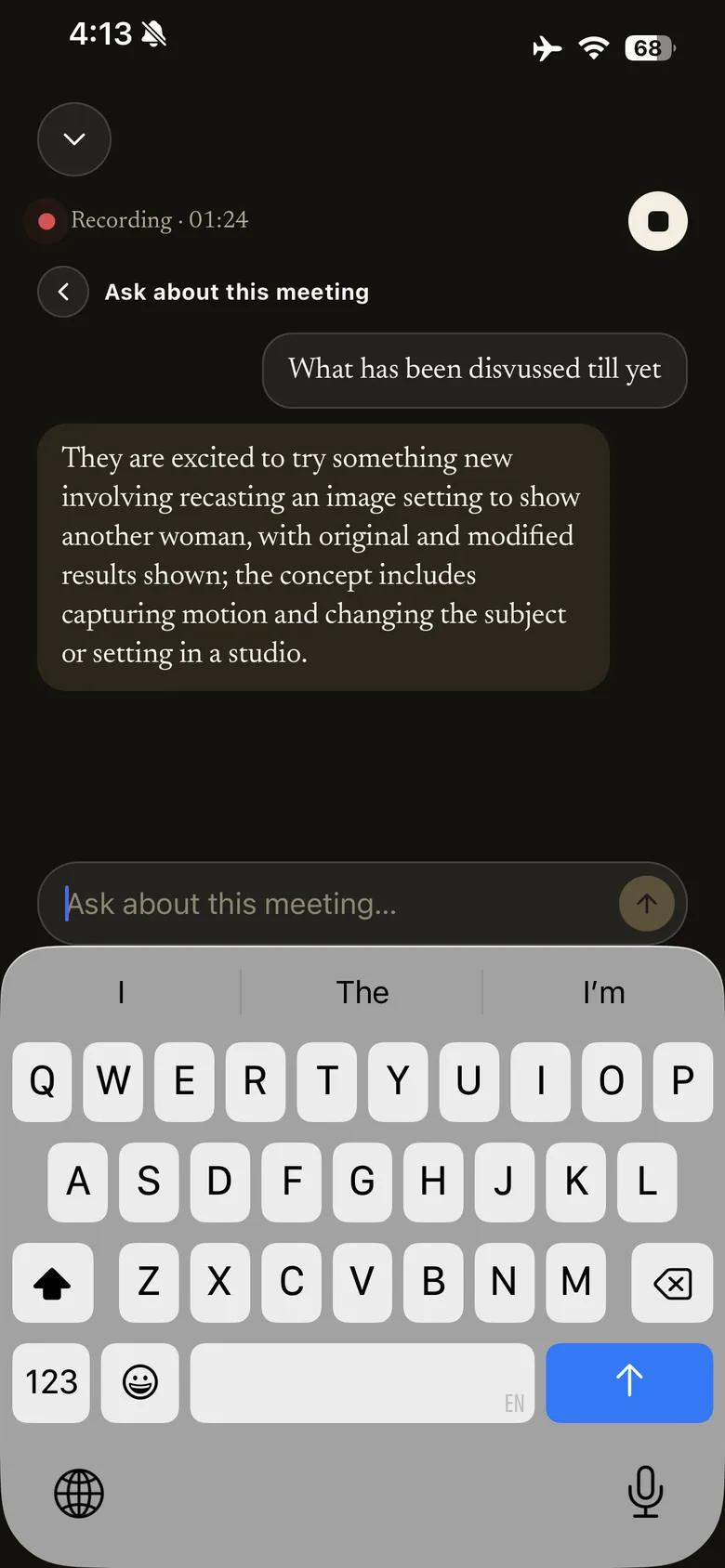
Open the app while the pen is recording and the transcript arrives as people speak, separated by speaker. To‑dos and drafted actions fill in beside it, and you can ask a question about the meeting without waiting for it to end.
04 / Bring the recordings across
The pen records with your phone nowhere near it.
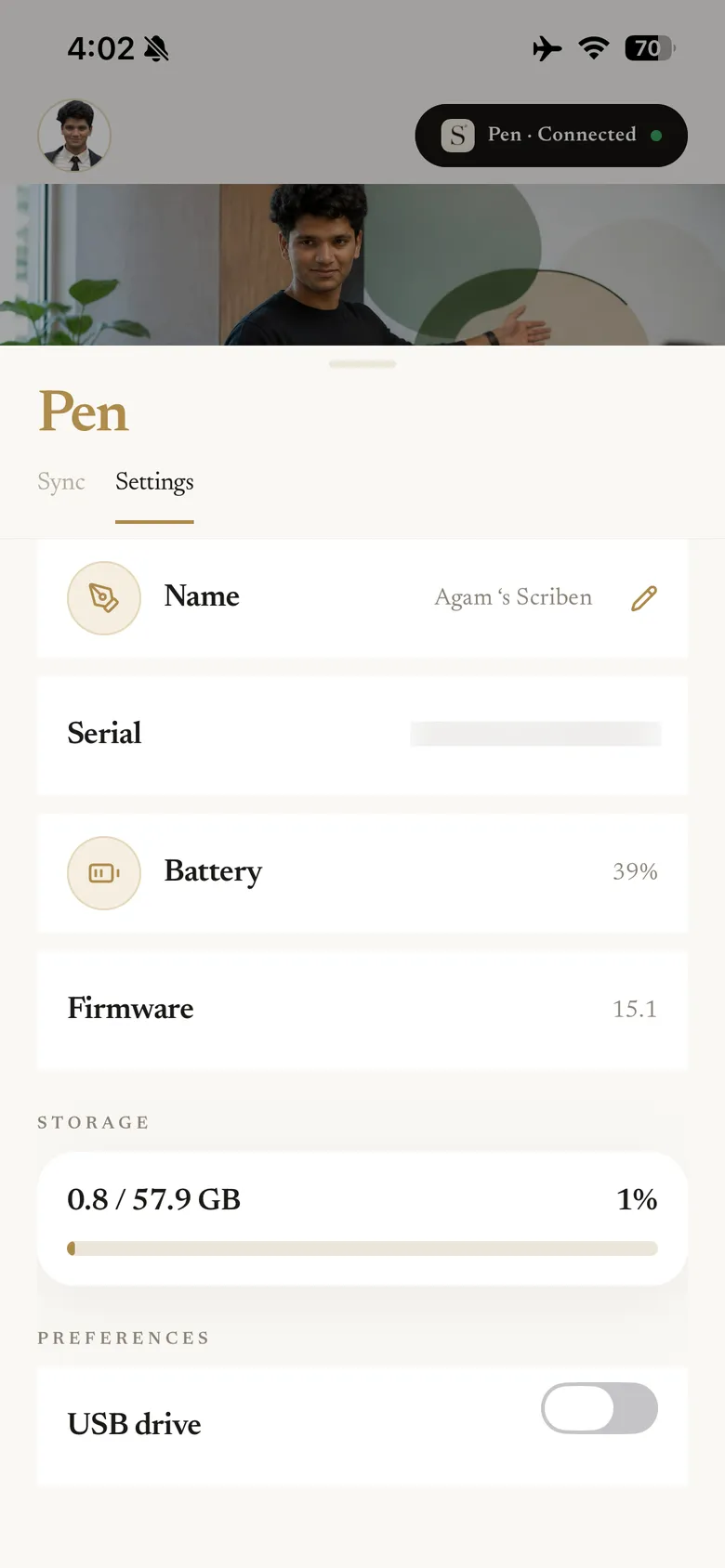
Up to 18 hours on a charge and 400 hours of storage on the pen, so it does not need your phone to be present. Open the app when you are back together and everything hands over over Bluetooth, grouped by the day it was captured.
05 / What comes back
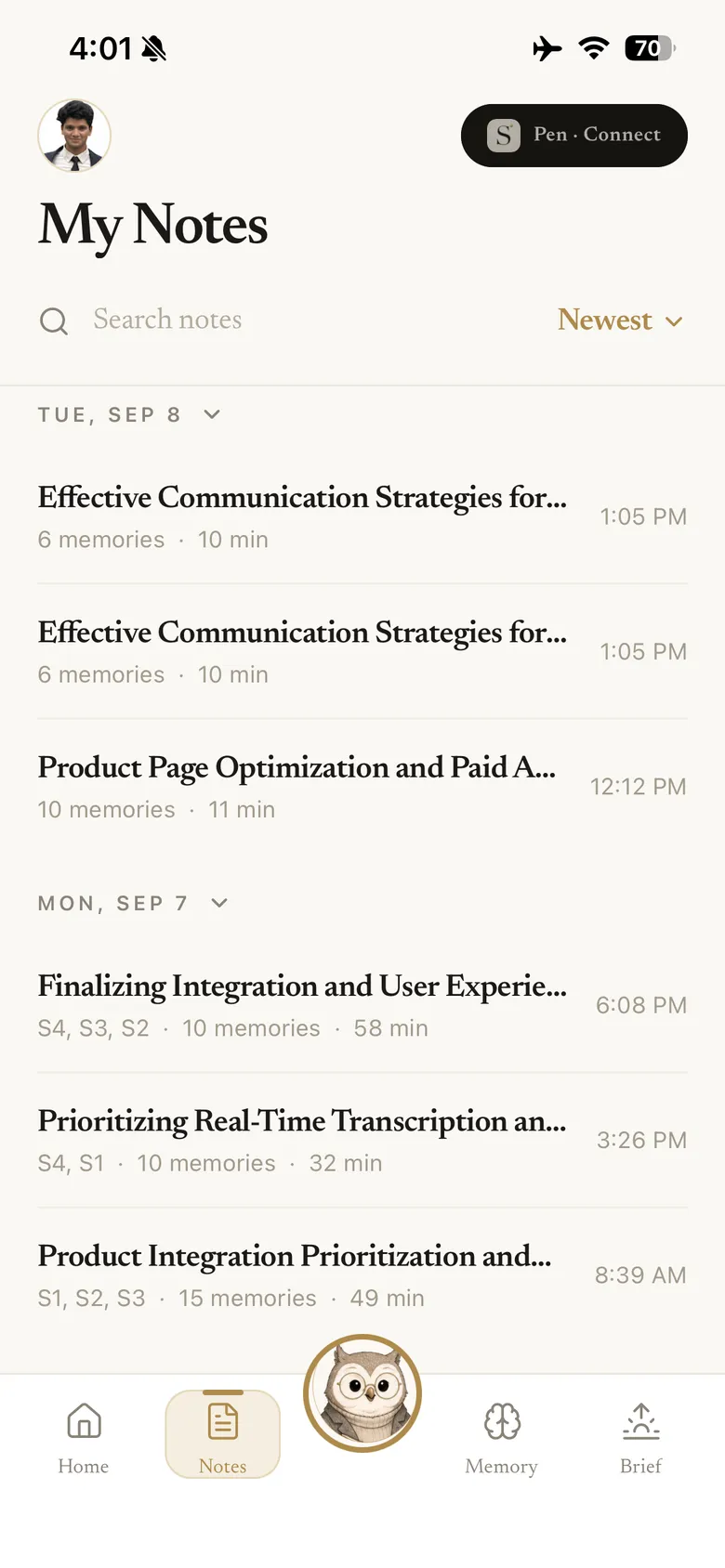
Every recording becomes a note.
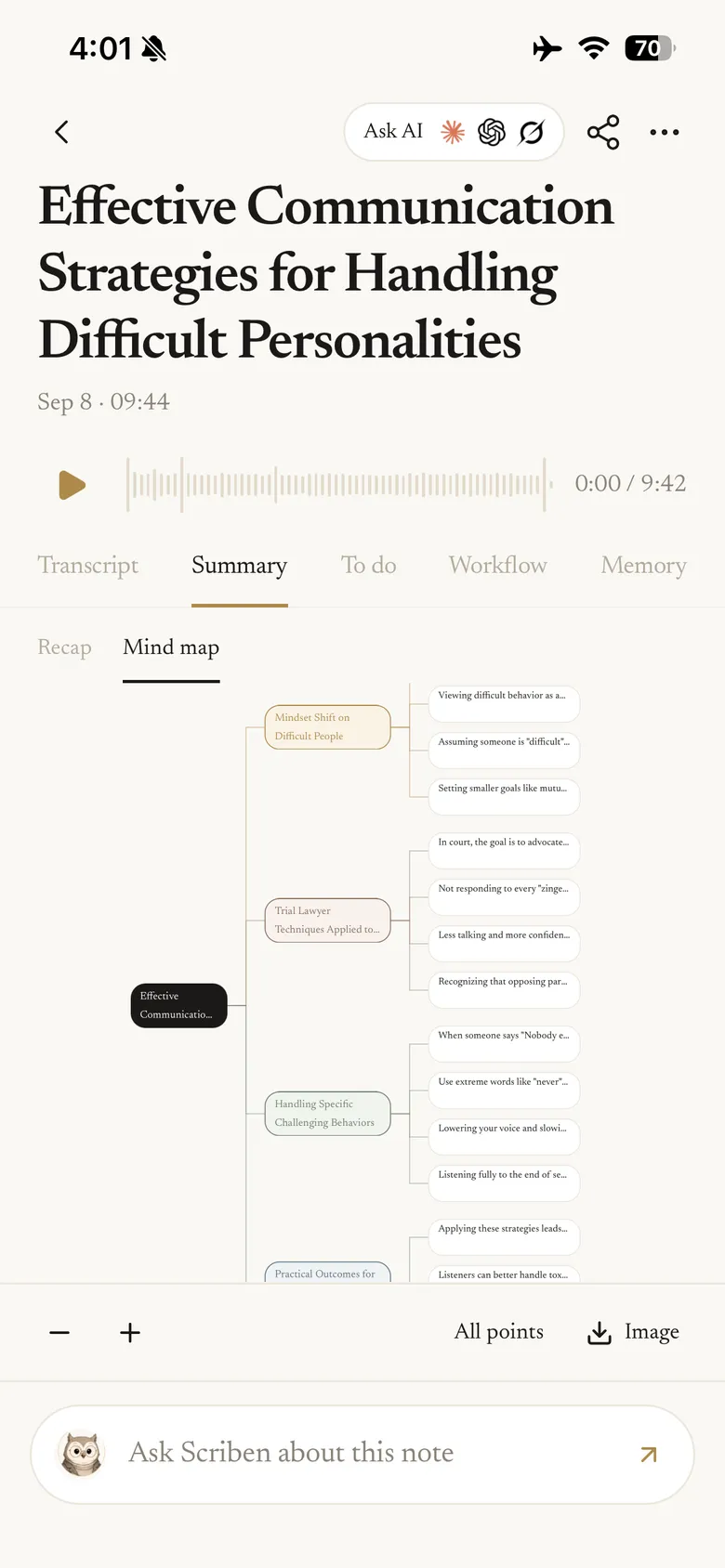
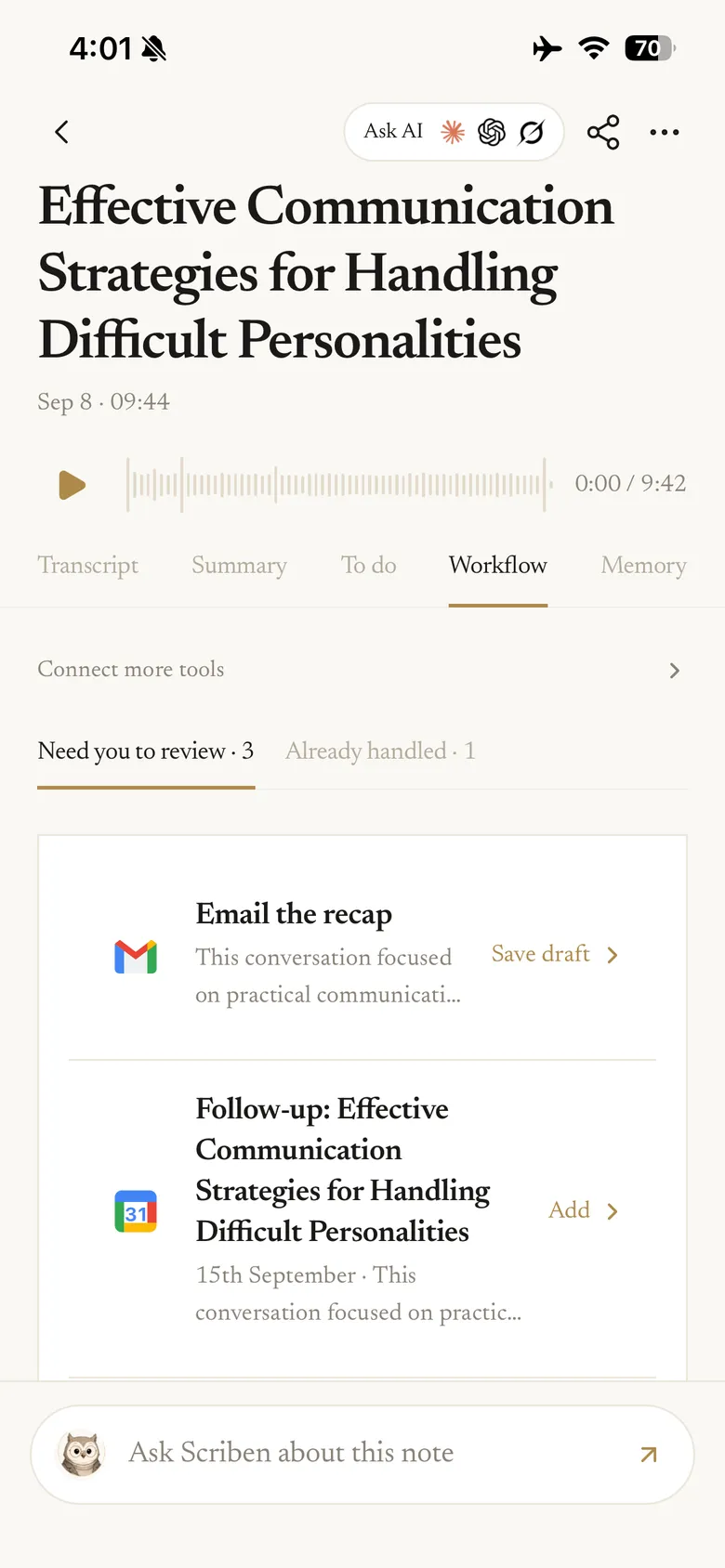
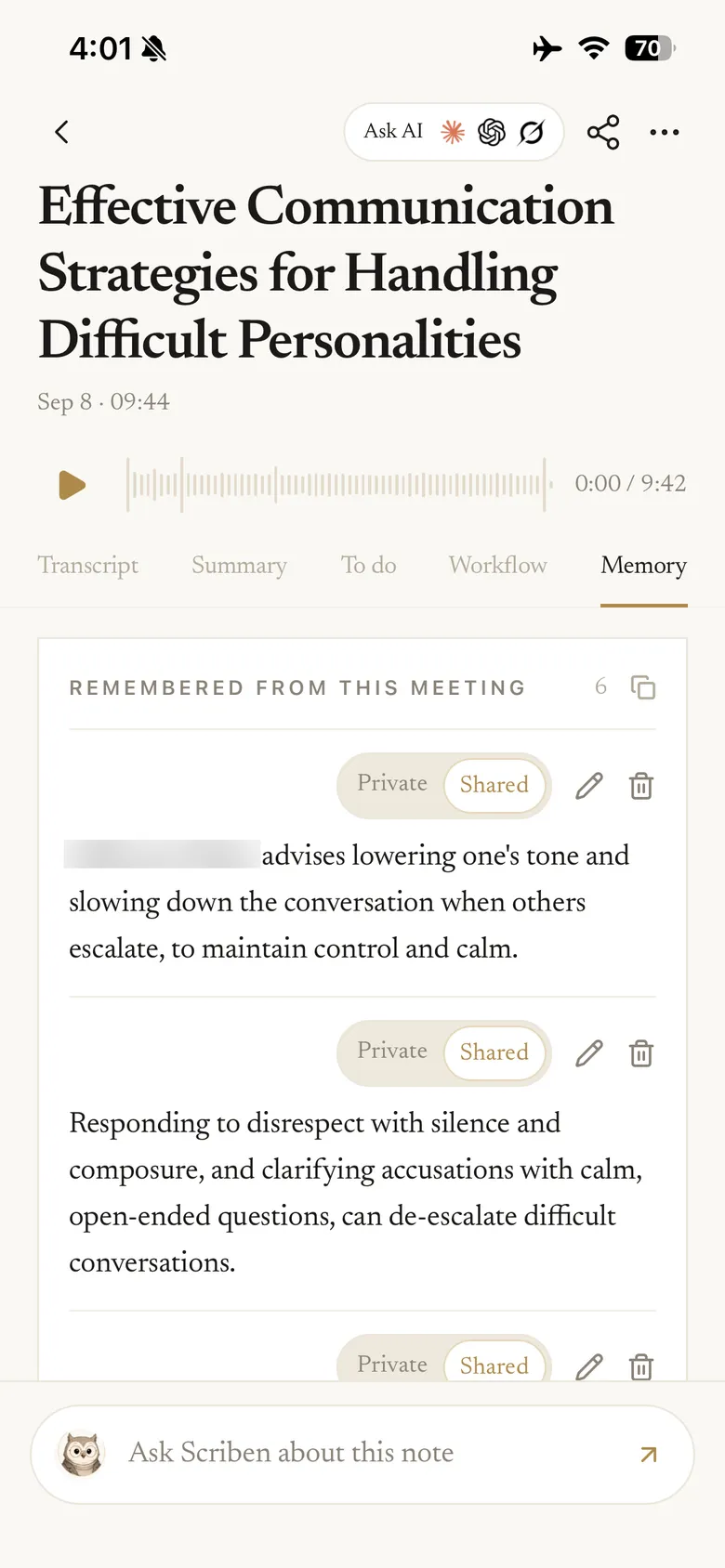
Notes group themselves by day. Open one and it carries five tabs — transcript, summary, to‑dos, workflow and memory — filled in before you get there.
06 / Ask it anything
The note answers questions about itself.
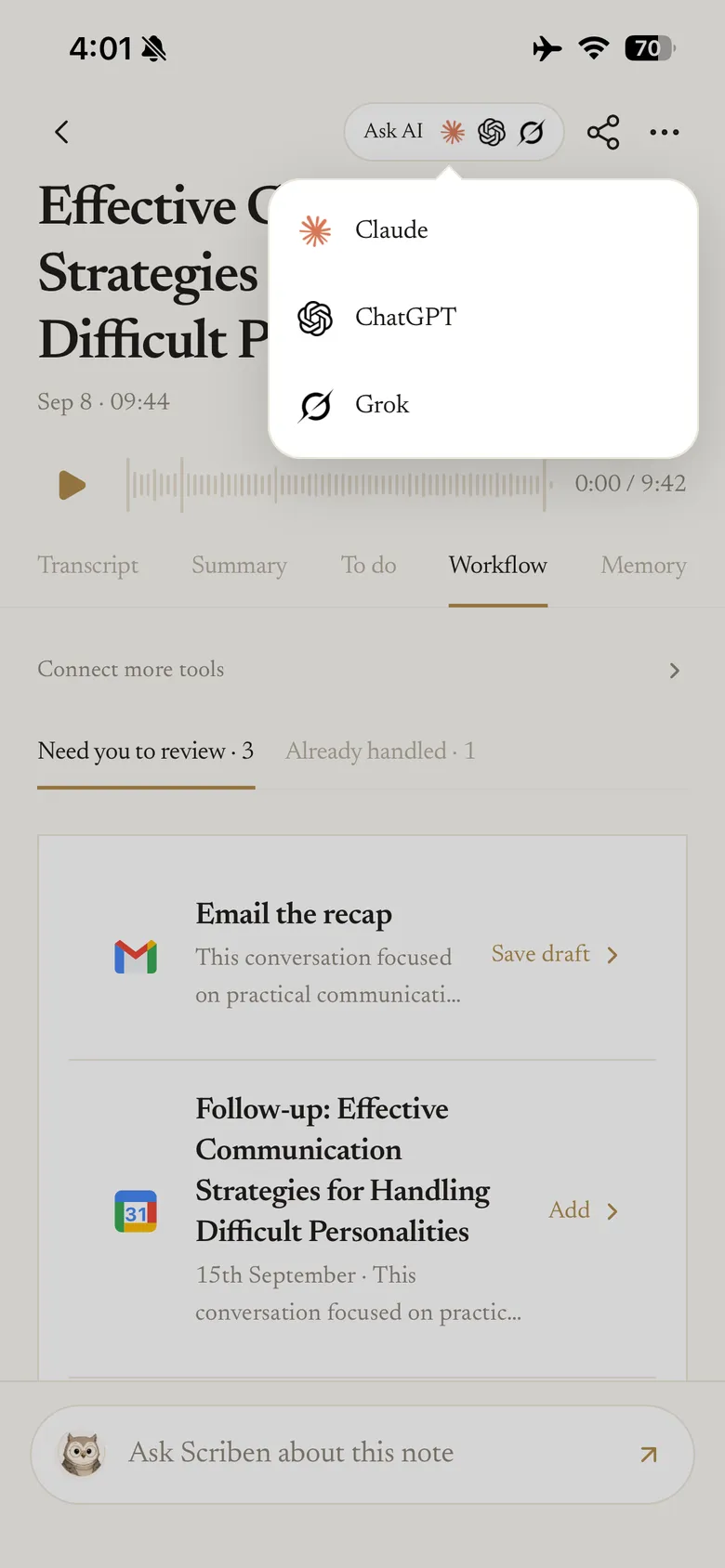
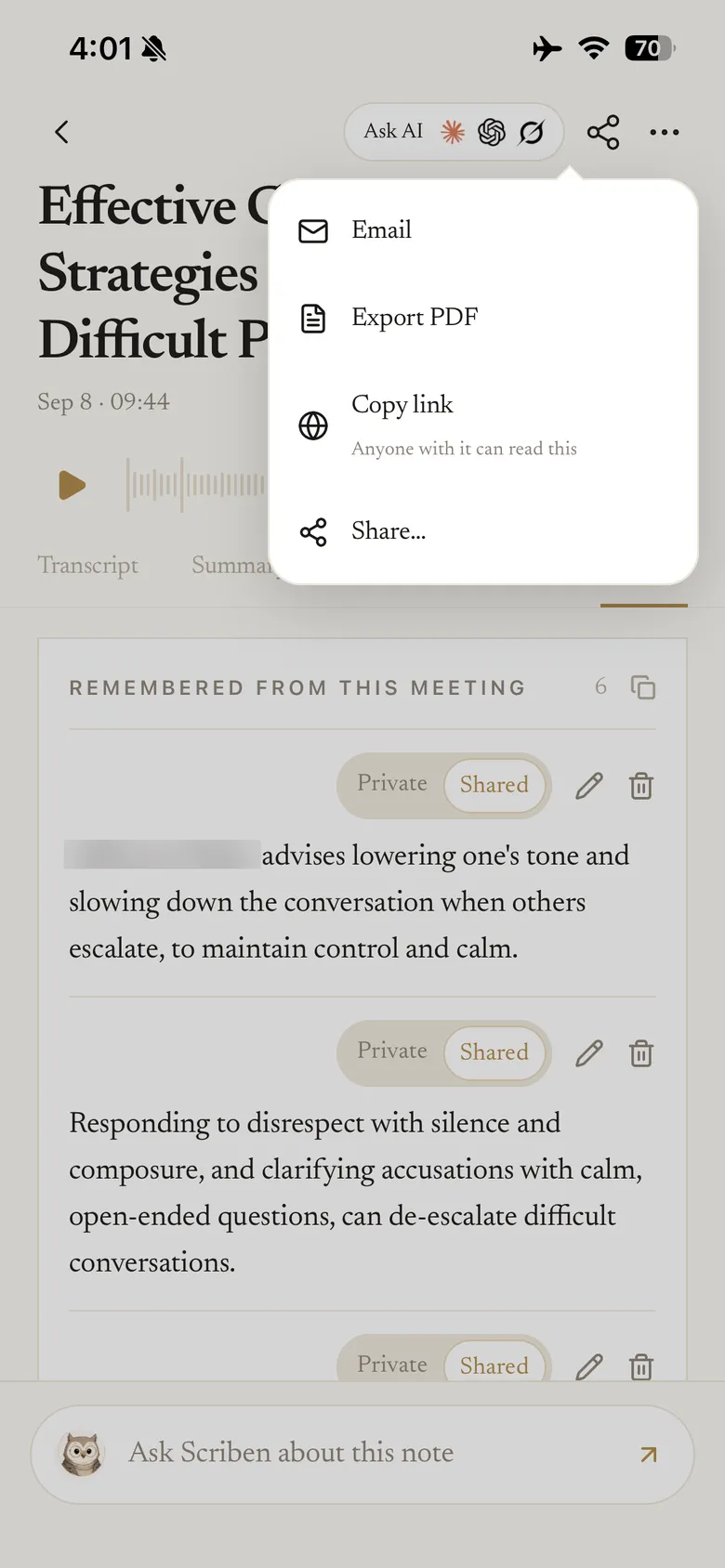
Ask Scriben about the conversation, hand the whole note to Claude, ChatGPT or Grok, or send it out as a PDF. What it remembered is listed plainly, and you decide what stays private and what your team can see.
07 / Nothing sends itself
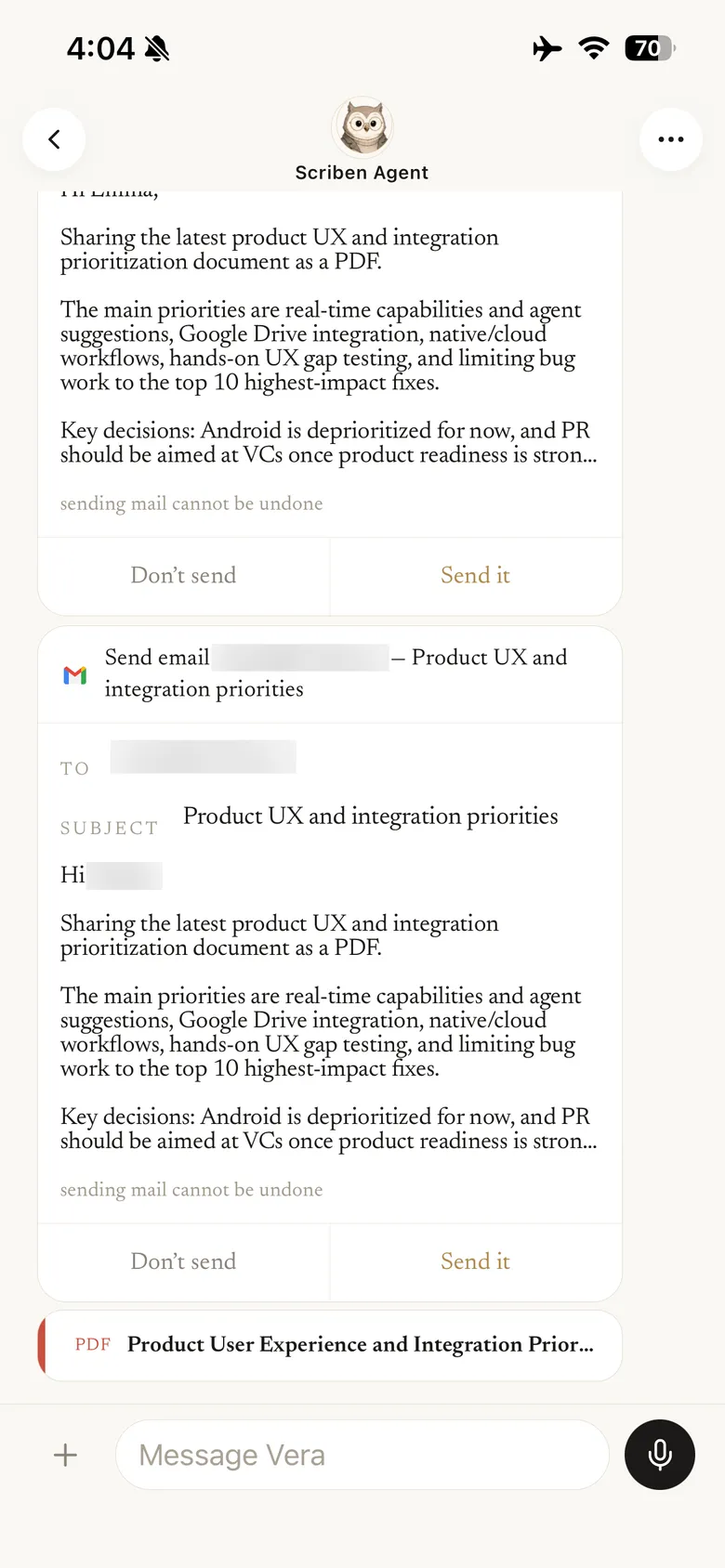
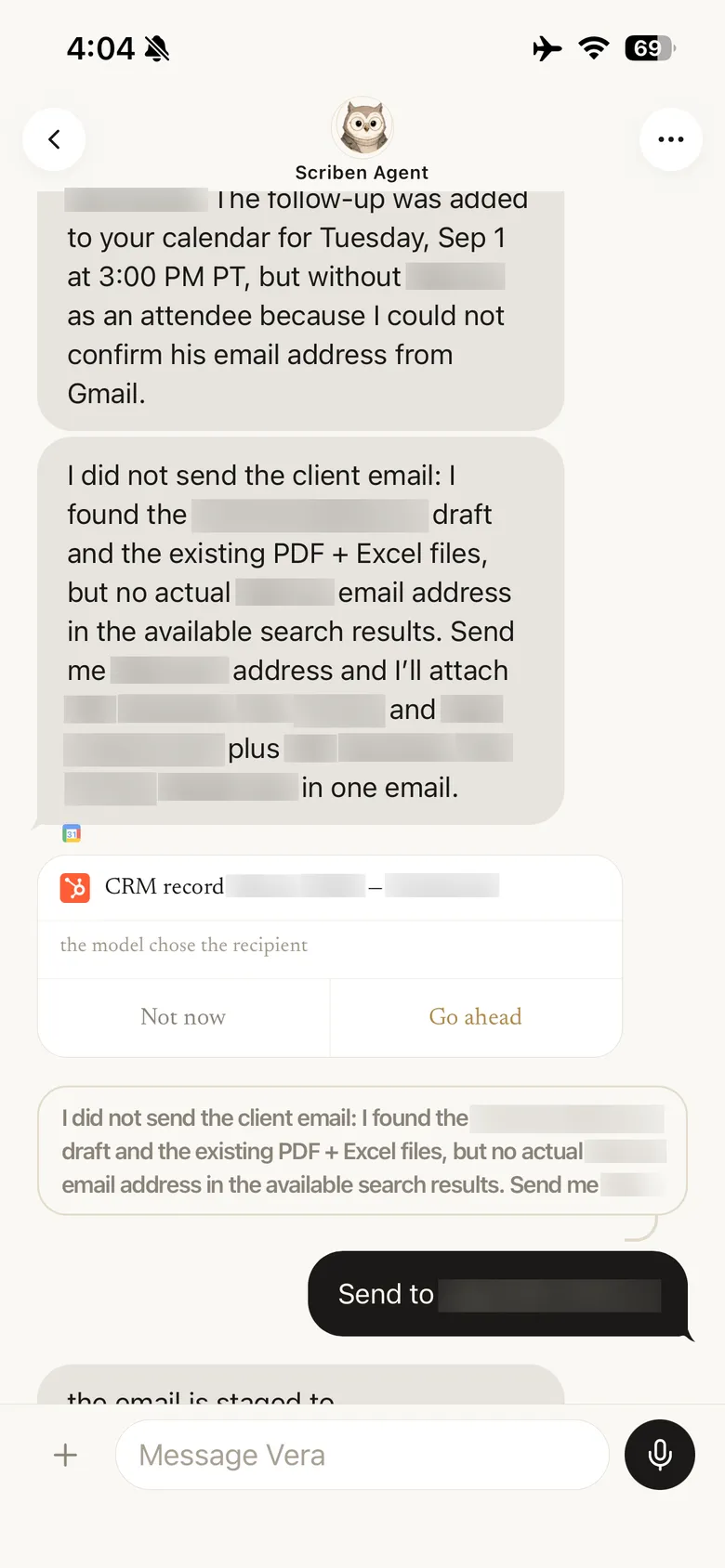
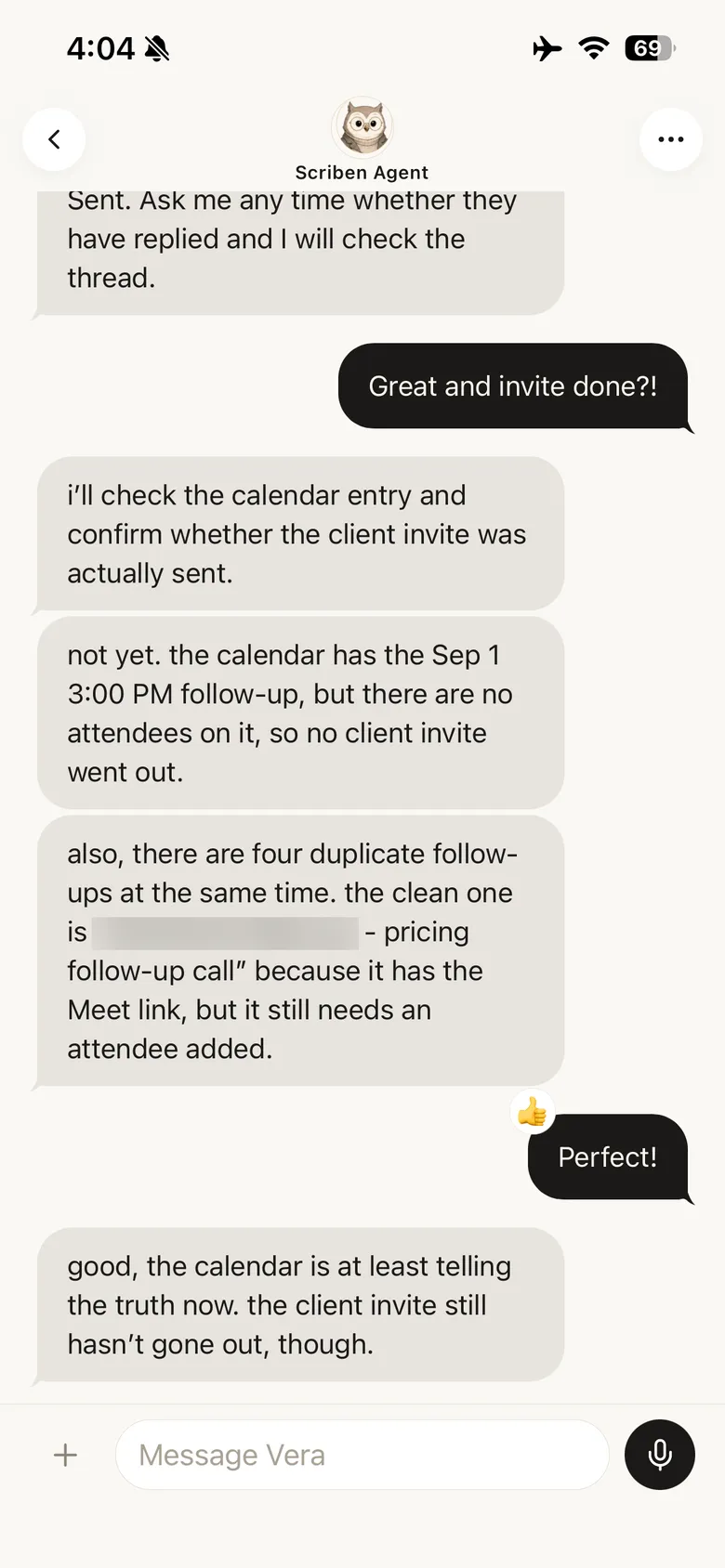
Every consequential action waits for you.
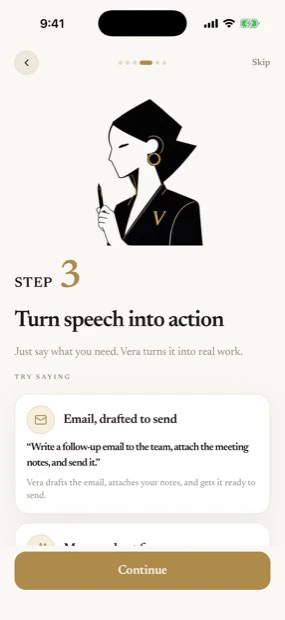
Scriben can draft the email, hold the date, open the issue and file the document. It does none of it until you approve it — and when it cannot verify something, it says so and stops rather than guessing.
08 / Approvals and settings
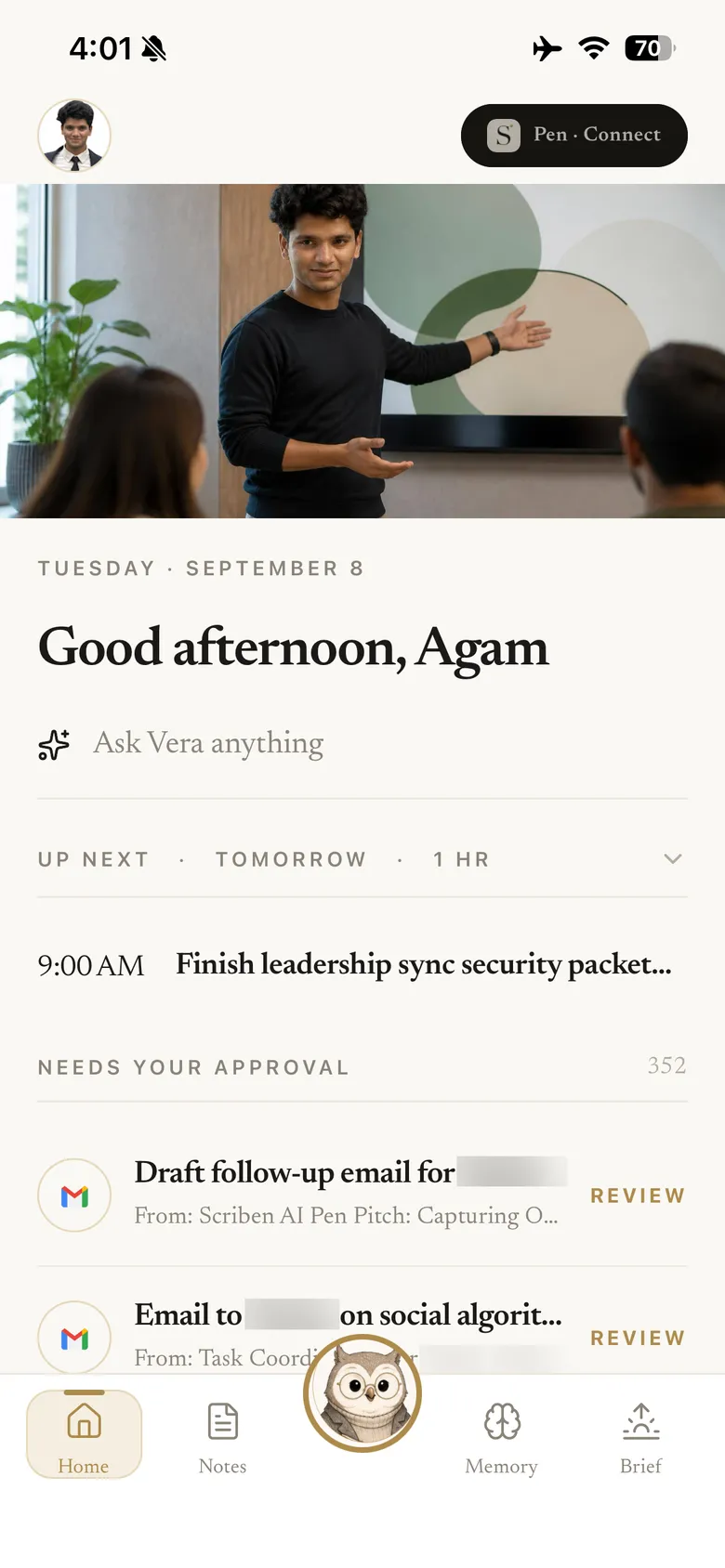
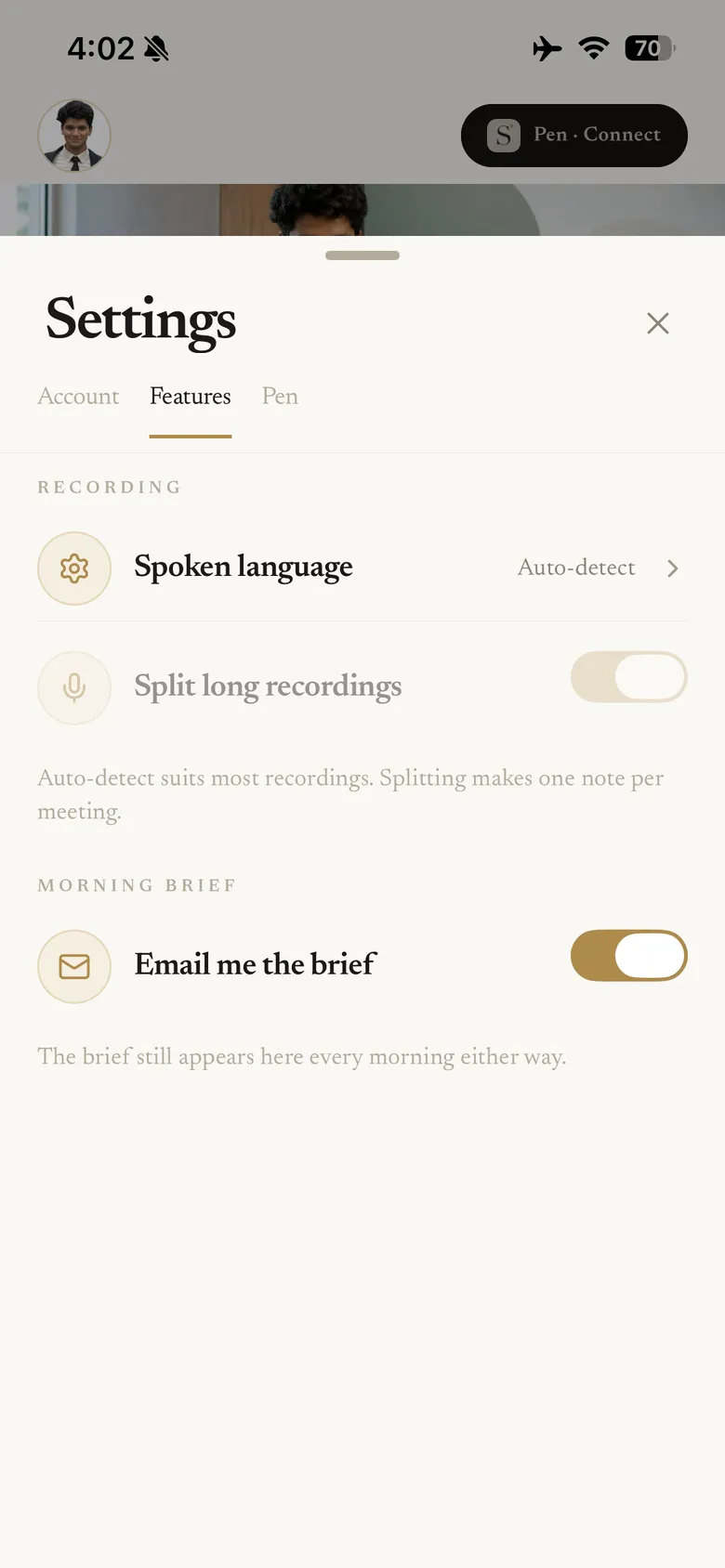
One place for what is waiting.
The home screen collects what needs you: drafts to approve, what is next, and the day ahead. Everything else is two taps away in Settings — spoken language, splitting long recordings, and whether the brief arrives by email.
09 / Memory
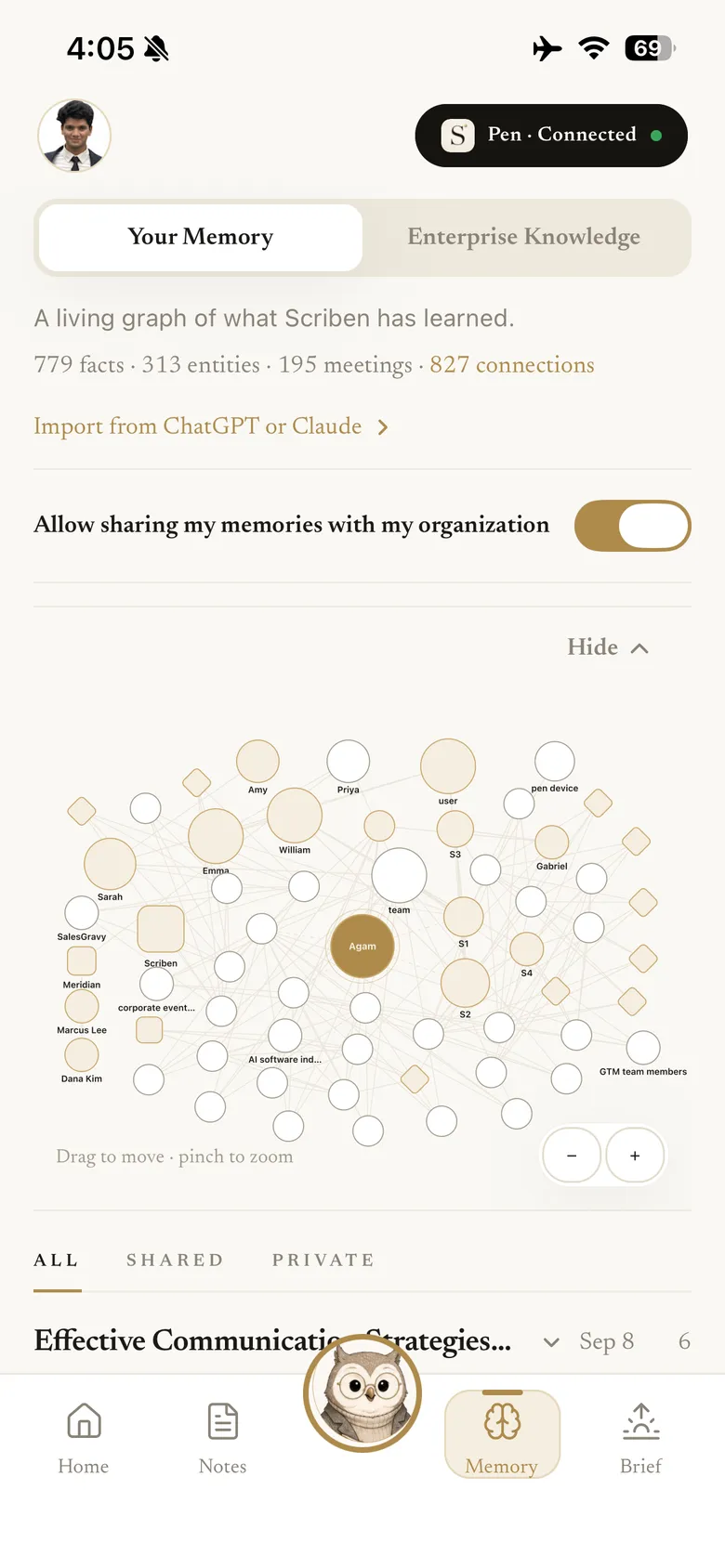
It remembers across meetings, not just inside one.
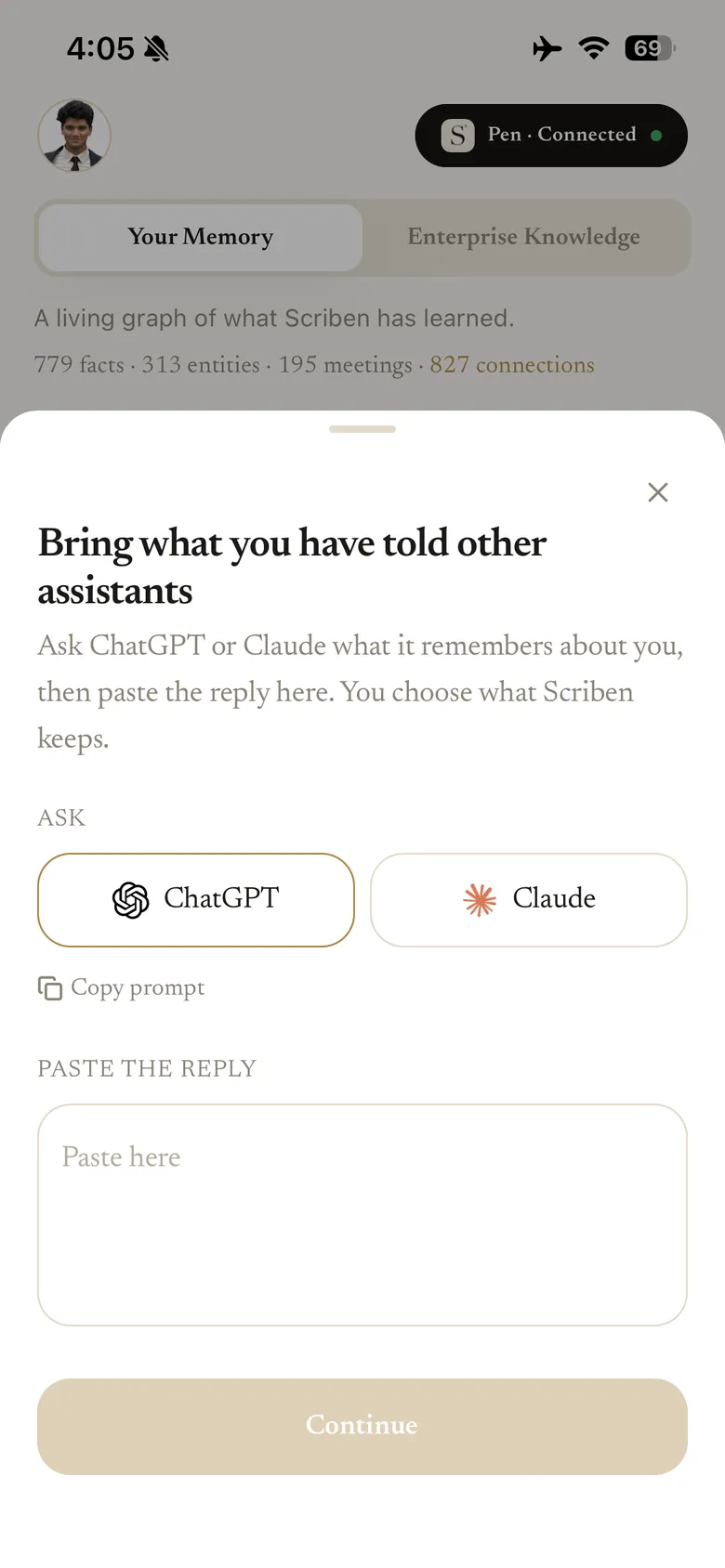
Facts, people and meetings build into a graph you can see and search. You can bring across what you have already told ChatGPT or Claude, and you choose what stays private and what your organisation can use.
10 / The morning brief
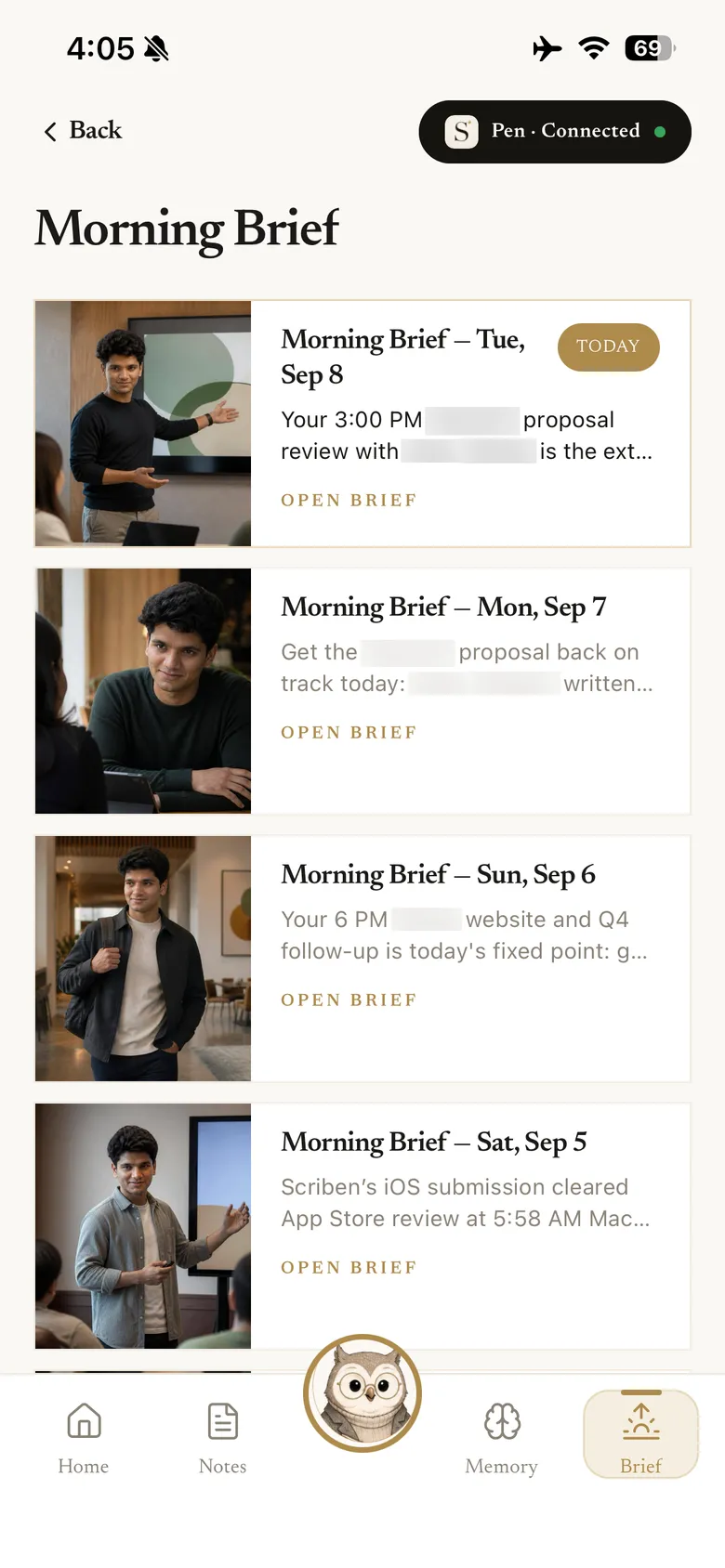
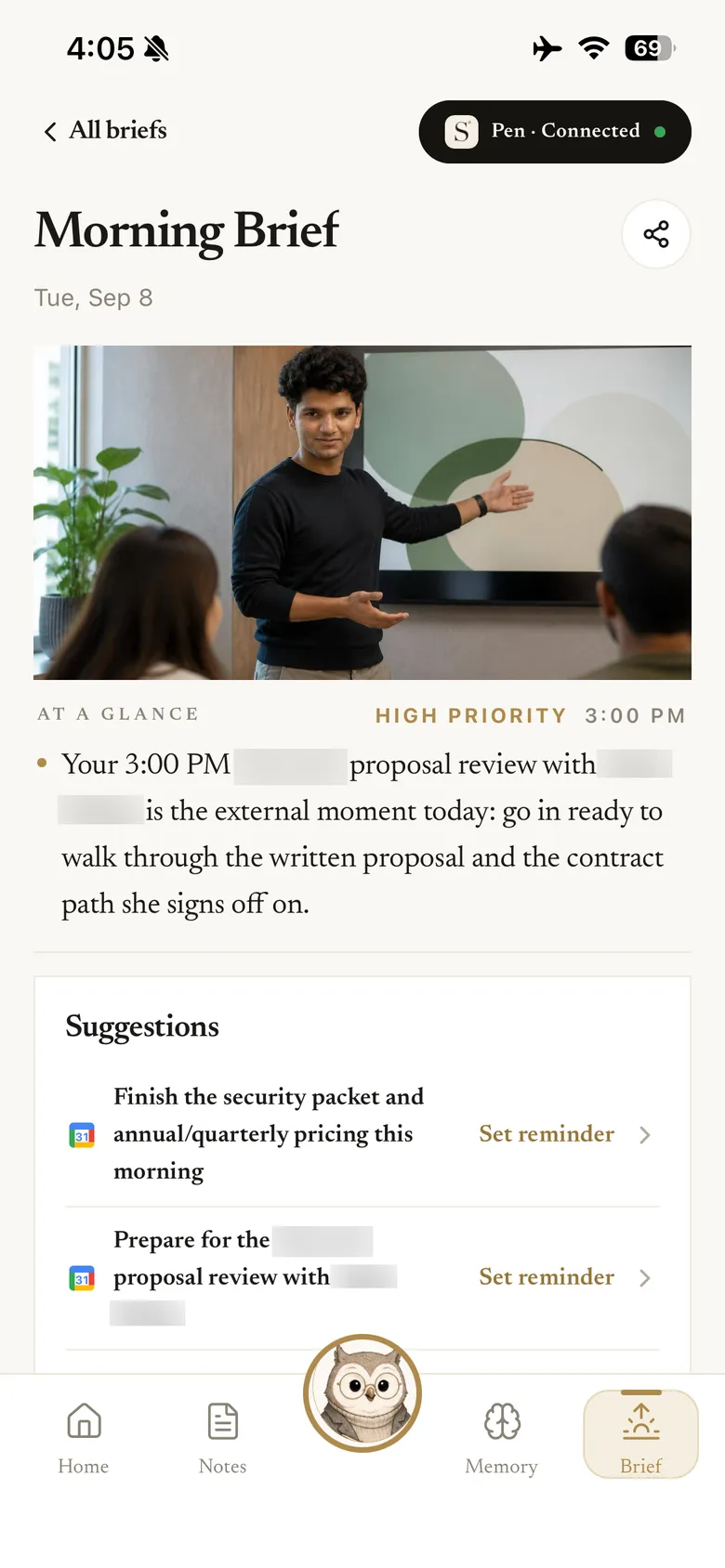
The day, before it starts.
One brief each morning: the moment that matters most, what to prepare, and what you can set a reminder for. It appears in the app whether or not you also have it emailed.
11 / Connect your tools
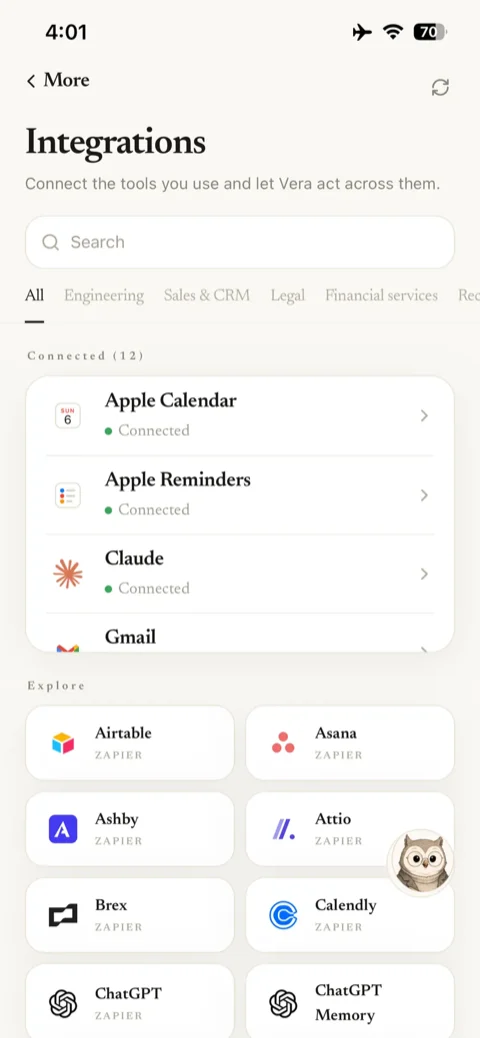
It works where the work already is.
Calendar, mail, notes, CRM and issue trackers connect in a tap, and anything not listed reaches Scriben through Zapier. Connect what you use and leave the rest — nothing is required to record.
Where it goes
A pen you would carry anyway.
It writes on paper and it is the size of a pen, because it is one. The recording is the part nobody in the room has to think about.


Tips and troubleshooting
If something is not behaving.
Most of it comes down to range, pairing in the right place, or a pen that wants charging.
The pen will not pair
Recordings are not coming across
The light is not coming on
I recorded a whole day by accident
It is transcribing the wrong language
Can I use it without my phone?
Scriben, the AI pen
A pen you would carry anyway.
A real ballpoint that records the room, remembers what was said, and hands back the work — for $99, with 30 days of Scriben Intelligence free.
30 days of Scriben Intelligence free, then $12.99/month. Cancel any time.
- Scriben AI Pen, with a working 0.6mm ballpoint
- Leather sleeve and quick start guide
- Transcription, structured summaries and speaker-aware notes
- Private long-term memory, Morning Brief and approval-gated actions
Apple PayGoogle PayShop PayVisaMastercardAmex